 I had previously used Play2War with Play 2 projects that contained a
 Build.scala file following the configuration directions from Play2War. However, when attempting to configure a newer project which now uses a build.sbt instead of the Build.scala, It wasn’t immediately apparent how to do it.
- Add this to your plugins.sbt: addSbtPlugin(“com.github.play2war” % “play2-war-plugin” % “1.2-beta4”)
-
Add this to the top of your build.sbt: <pre class="brush: plain; title: ; notranslate" title=""> import com.github.play2war.plugin._</pre>
-
Add this at the end of your build.sbt: (yes with the line between them, and the servlet Version you need). <pre class="brush: plain; title: ; notranslate" title="">Play2WarPlugin.play2WarSettings Play2WarKeys.servletVersion := “2.5”</pre>
- Run “
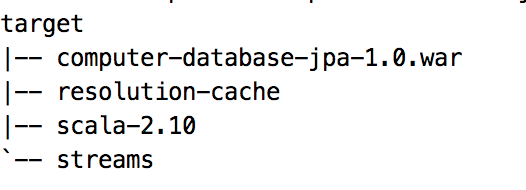
play war” and when it is done, look in the target directory